in stock
1
from
2,758.80 €
Here you'll find used and refurbished SSDs for professional use. The focus is on enterprise models built for high I/O load, continuous operation, and stable performance. Whether you're modernizing a server, speeding up a storage system, or upgrading a workstation for data-intensive projects, the right server SSD is often the upgrade with the most noticeable effect on load times and data access.
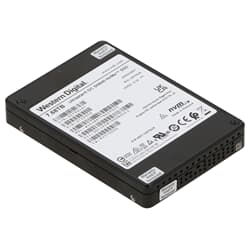
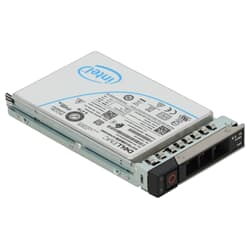
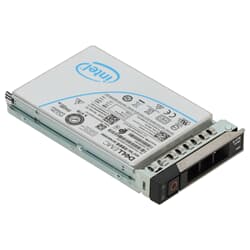
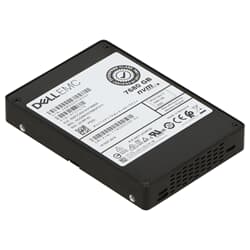
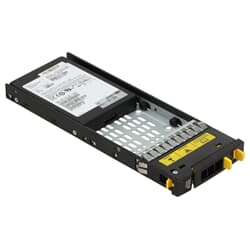
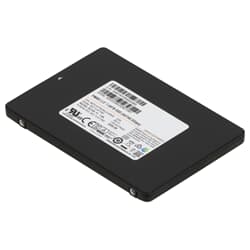
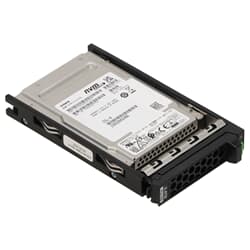
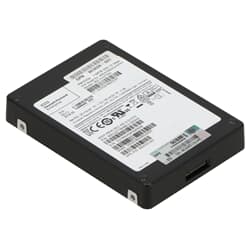
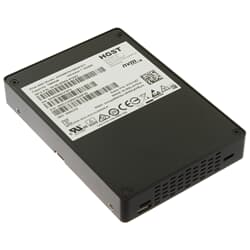
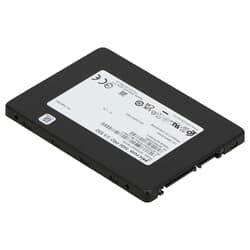
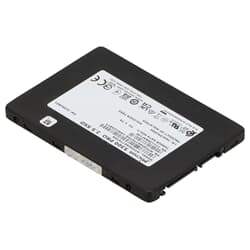
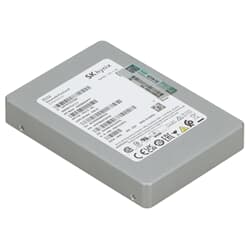
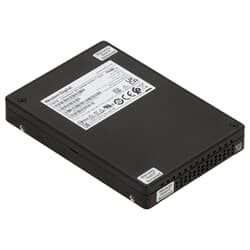
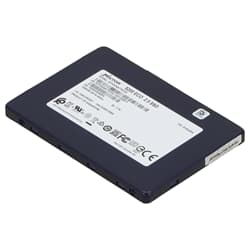
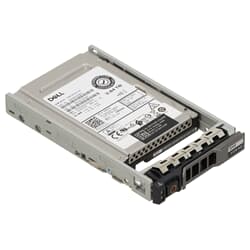
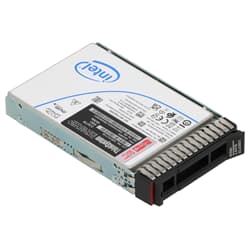
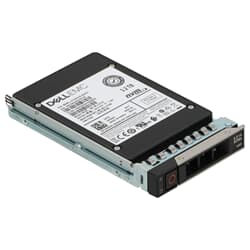
An enterprise SSD for data centers has to do more than just be fast. It needs to work reliably and consistently for years, whether in virtualization, under databases, in file servers and storage systems, as a backup target, or in I/O-intensive data center workloads. Compared to consumer drives, a server SSD usually offers significantly higher write endurance, expressed depending on the model class as DWPD or TBW. Its performance also stays stable under continuous load, since it doesn't hit cache limits as quickly. On top of that, it behaves in a way that's tuned to RAID and storage environments, offers higher reliability in 24/7 operation, and runs firmware consistently designed for data integrity and clean error handling.
In a server, the SSD is therefore far more than just a fast drive. How quickly virtual machines boot, databases respond, files are processed, and backups complete all depends directly on storage performance. Technically, an SSD stores its data in flash cells, with no spinning platters or mechanical read heads at all. That makes it faster, quieter, and less sensitive to shocks than a classic HDD. Enterprise models combine this with optimized firmware and generous spare capacity to work precisely even under continuous load. What a server SSD costs depends on capacity, interface, and endurance class, so a blanket price can't be given. Used models, however, often offer a very attractive price-to-performance ratio, since they were built for professional continuous operation and come with corresponding reserves.
When buying a server SSD, interface and form factor matter just as much as capacity. Three variants have become established in the enterprise space.
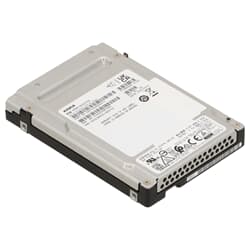
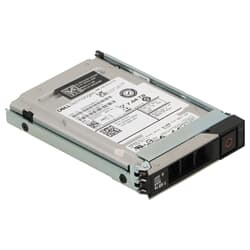
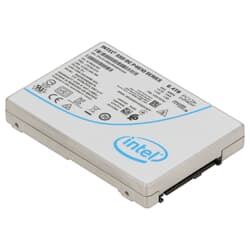
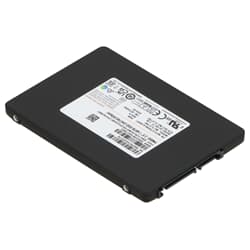
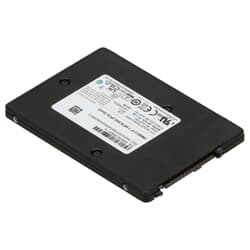
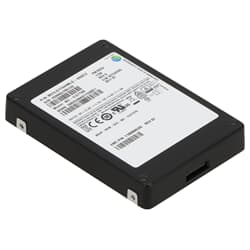
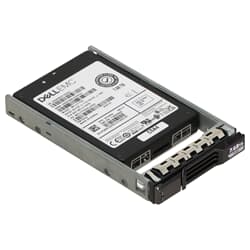
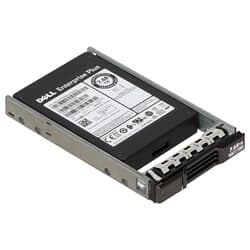
SATA SSDs in the 2.5-inch format are widely used and compatible with a very large number of servers. For the operating system, boot volumes, and many standard workloads, they're a solid choice. SAS SSDs in the same form factor are considered the standard in many storage systems and integrate especially cleanly into professional controller and backplane environments. NVMe SSDs connect via PCIe and deliver the highest IOPS figures at very low latency, which makes them ideal for databases, high-performance VM hosts, and particularly demanding workloads.
It's important to note that not every system supports every interface. SATA and SAS look confusingly similar but aren't freely interchangeable, and NVMe requires suitable slots, backplanes, or a direct PCIe connection.
Many buyers compare SSDs purely on megabytes per second. In a data center, that's about as meaningful as a delivery van's top speed in city traffic. Three other figures matter more. IOPS, the number of input and output operations per second, determines performance for the many small accesses generated by VM storage and databases. Latency determines how quickly applications respond to storage requests. Consistent performance, finally, ensures systems stay stable even under heavy load.
A server SSD is designed exactly for such constant load profiles and fluctuates far less than typical consumer drives. The best figures for IOPS and latency are achieved by enterprise NVMe SSDs, since they communicate directly over the PCIe bus without a SAS or SATA controller in between.
Write endurance plays a central role for server SSDs. Depending on the use case, such as logging, databases, or virtualization, a very large number of write operations occur every day, and enterprise drives are built to carry that load for years. Two figures help put this in perspective. TBW (Total Bytes Written) describes the total amount of data that can be written to the drive. DWPD (Drive Writes Per Day) states how often the full capacity may be written per day, relative to the manufacturer's warranty period. For typical server workloads, it therefore pays to buy not just by capacity but by the right endurance profile. A drive that's underspecified wears out faster in write-heavy environments. In a workstation with moderate to medium write load, on the other hand, a high-quality server SSD usually stays well below its TBW limit and can reliably do its job for many years, as long as the endurance class matches the use case.
The range of applications is broad. As a boot drive for a hypervisor or server operating system, flash storage delivers short startup and response times. As VM storage under VMware, Hyper-V, or Proxmox, a server SSD keeps many machines running in parallel smoothly, and databases and transaction-heavy applications benefit from the low access times. In NAS and file servers, SSDs speed up file operations, and for backup and restore they deliver high throughput. In storage tiering or as a cache layer, they form the fast tier, while large datasets can still sit on high-capacity SAS hard drives.
Refurbished enterprise SSDs are an appealing option if you're looking for professional hardware at an attractive price. Many of these drives are designed for a long service life and still come with plenty of performance reserve even when used. What matters is that the remaining write endurance matches your intended use. At GEKKO, every used server SSD is tested before sale, all items are in stock, and you get at least 12 months of warranty. At the same time, it's a sustainable choice, since high-quality components stay in use longer instead of having to be newly manufactured.
If you're unsure which drive fits your system, it's worth checking interface, capacity, and endurance against your system's compatibility and intended use before buying. Depending on availability, we offer different capacities, interfaces, and performance classes to speed up existing systems or cost-effectively expand professional environments. If you want to switch an existing server over to NVMe, this is possible on some models via an HDD cage for an NVMe SSD in the server. If you have any questions about compatibility, we're happy to help.
It depends on capacity, interface, and write endurance. SATA SSDs are more affordable for standard tasks, while fast NVMe models with high DWPD ratings cost correspondingly more. Refurbished enterprise drives offer particularly strong performance for the price. The best way to get an overview is to browse our current range directly.
This depends on the drive's write endurance and the daily write load. In typical professional workstations, most enterprise SSDs stay well below their specified TBW rating. With the right model choice, a service life of several years is realistic.
Enterprise SSDs are built for continuous load, many parallel accesses, and reliable 24/7 operation. They typically offer higher write endurance, more stable performance under load, and error handling suited to RAID and server environments. Consumer SSDs, by contrast, are mostly designed for typical desktop use.
This depends on the server and the intended use. SATA is highly compatible and often ideal for boot drives or standard tasks. SAS is widely used in professional servers and storage systems and is common in many backplanes. NVMe delivers the highest performance and very low latency, but requires suitable slots or backplanes.
What matters is the controller, the backplane, and the cabling. SATA and SAS look similar on the outside but aren't freely interchangeable. In most cases, the server's specifications or the controller model will tell you. If in doubt, check which drives your system explicitly supports before buying, or simply ask us.
TBW stands for Total Bytes Written and states the total amount of data that can be written to an SSD over its lifetime. DWPD stands for Drive Writes Per Day and describes how many times the full capacity may be written per day over the manufacturer's warranty period. Both figures help you choose a server SSD that matches your write load.
Yes, as long as they've been tested and their condition matches the intended use. Many professional drives are built for a long service life and remain highly capable even when used. For upgrading servers and storage systems, refurbished SSDs are therefore an economically attractive solution.
What matters for virtual environments is high IOPS, low latency, and consistent performance, and this is exactly where professional SSDs excel. NVMe plays to its strengths especially with many virtual machines running in parallel, while SATA or SAS SSDs are also very well suited to smaller environments, depending on the server.
SSDs store data in flash cells with no moving parts, while HDDs move mechanical heads across spinning magnetic platters. This makes SSDs faster, quieter, and more resistant to shocks, though they typically cost more per gigabyte than large HDDs. In a server, they drastically cut access times and increase the number of operations possible per second, which is especially noticeable with virtual machines, databases, and file servers.
Yes. Especially for data-intensive tasks such as video editing, large projects, or simulations, professional SSDs deliver stable performance and high endurance. What matters is that the interface matches your particular workstation.
They're built for reliability, endurance, and consistent performance, often use higher-grade components and different firmware, and are qualified for professional load profiles. In server operation, this usually makes them the better choice in the long run.
What matters is the interface, form factor, capacity, and write endurance, as well as compatibility with the controller and backplane. You should also be clear on what the drive is intended for: a boot drive, virtual machines, a database, or a cache.