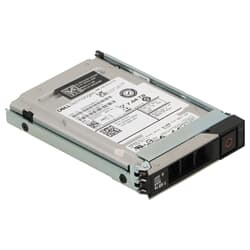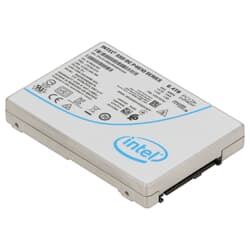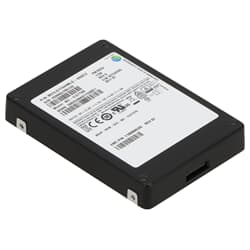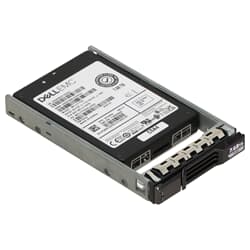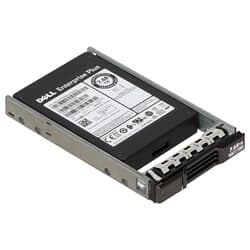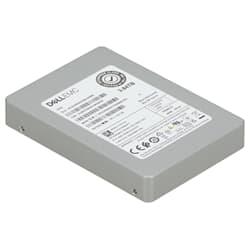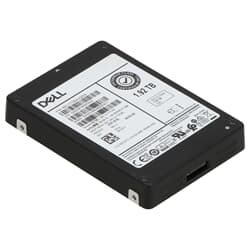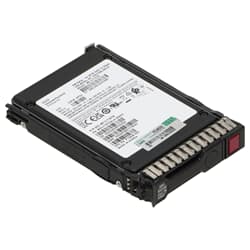
in stock
1
from
2,758.80 €
Buy refurbished SSDs online! ✔ Free express shipping throughout Germany ✔ Stock available for instant dispatch ✔
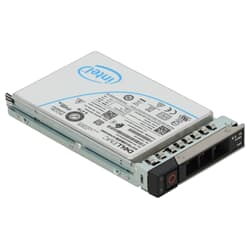
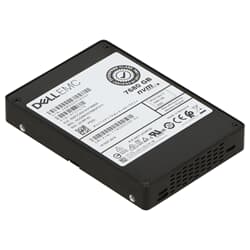
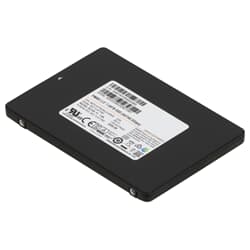
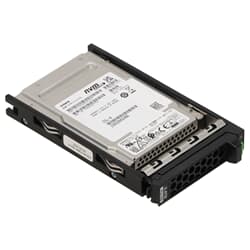
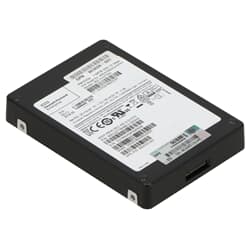
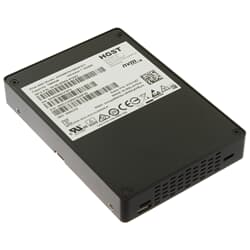
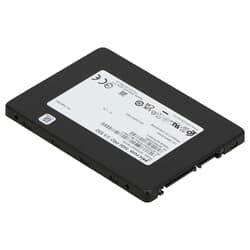
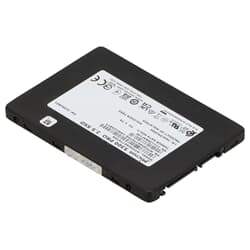
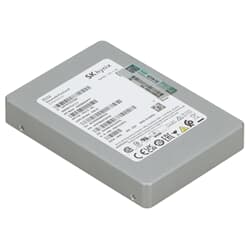
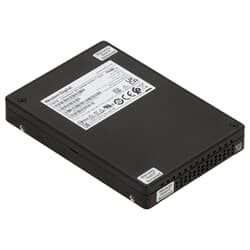
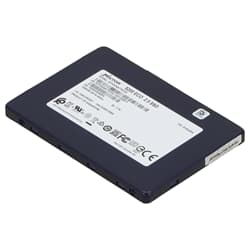
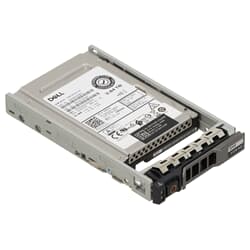
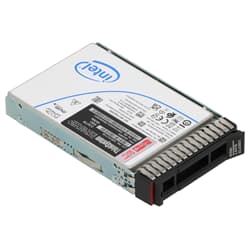
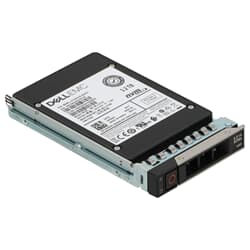
In our SSD category, you will find a wide selection of used and refurbished SSDs for professional use. The focus is on Server and Enterprise SSDs designed for high I/O loads, continuous operation, and stable performance. Compared to classic consumer SSDs, enterprise models offer higher endurance in many scenarios, more consistent performance under load, and better suitability for RAID, virtualization, and storage environments.
Whether you want to modernize a server, accelerate a storage system, or equip a workstation for data-intensive workflows: a suitable SSD is often the most important upgrade to significantly improve load times, data access, and overall performance.
Enterprise SSDs are designed for professional systems that not only need to be "fast" but, above all, must perform reliably and permanently. Typical use cases include virtualization, databases, file servers, storage systems, backup targets, or high-I/O workloads in data centers.
Compared to consumer SSDs, enterprise SSDs are often characterized by:
Especially in server environments, an SSD is not just a "fast drive" but a central component for the entire system response: VM boot times, database access, file operations, and backups directly depend on storage performance.
Technically speaking, an SSD stores data in electronic flash memory cells – without moving parts like rotating disks or mechanical read heads. This makes them faster, quieter, and more robust than a classic HDD. Enterprise models use particularly optimized firmware and memory architectures to work precisely and stably even under continuous load. What an enterprise SSD costs depends on capacity, interface, and endurance class – flat prices cannot be given here. However, used enterprise SSDs often offer a very attractive price-performance ratio, as the drives were originally designed for professional continuous operation and still have significant performance reserves when used. In workstation environments with typically moderate write loads, enterprise SSDs are usually far from their specified TBW limits. Those who choose the appropriate endurance class for their specific application can realistically expect a runtime of several years.
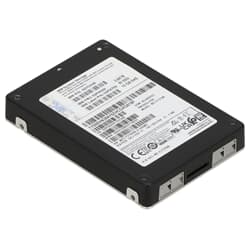
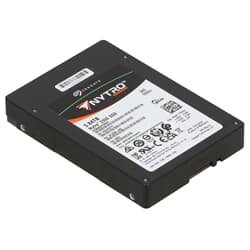
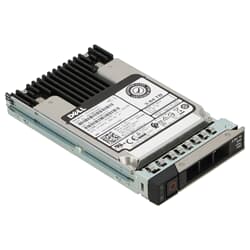
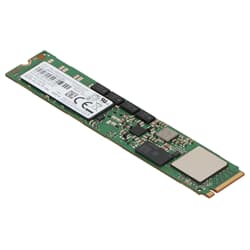
When buying a server SSD, not only capacity is decisive, but above all the interface and form factor. Typical variants in the enterprise sector are:
Important: Not every system supports every interface. SATA and SAS look similar but are not interchangeable at will. NVMe requires suitable slots/backplanes or a PCIe connection.
Many buyers only compare SSDs by "MB/s." In server environments, however, other values are often more important:
Enterprise SSDs often have an advantage here because they are designed for constant load profiles and fluctuate less than typical consumer drives.
Write endurance plays a central role for server SSDs. Depending on the area of application (e.g., logging, databases, virtualization), the SSD may receive a very high number of write operations per day. Enterprise SSDs are designed to handle this load reliably over years.
Key metrics are:
For typical server workloads, it is worth buying not just by capacity, but by the appropriate endurance profile. An SSD that is too weak can wear out faster in write-heavy environments. In a workstation with typical professional workflows – i.e., moderate to medium write load – a high-quality enterprise SSD can serve reliably for many years, provided the endurance class fits the application.
Refurbished enterprise SSDs are a very interesting option if you are looking for professional hardware at an attractive price. Many enterprise drives are designed for long runtimes and still offer high performance reserves even when used. At the same time, using used hardware is a sustainable decision because high-quality components remain in use longer.
If you are unsure which SSD fits your system (SATA/SAS/NVMe, capacity, endurance), it is worth checking system compatibility and the planned purpose before purchasing.
Discover our selection of enterprise SSDs for servers, storage, and workstations. Depending on availability, you will find different capacities, interfaces, and performance classes – ideal for accelerating existing systems or cost-effectively expanding professional environments.
This depends on capacity, interface, and endurance class. SATA SSDs for standard workloads are cheaper, while high-performance NVMe models with high DWPD ratings are correspondingly more expensive. Used enterprise SSDs offer a particularly attractive price-performance ratio – feel free to browse directly in our shop.
This depends on the endurance class and the daily write load. In typical professional workstation environments, most enterprise SSDs stay far below their specified TBW limit – a long lifespan of several years is realistic with the right model choice.
Enterprise SSDs are developed for continuous load, high I/O requirements, and reliable 24/7 operation. They often offer higher write endurance, more stable performance under load, and error handling that better suits RAID and server environments. Consumer SSDs, on the other hand, are mostly optimized for typical desktop workloads.
This depends on the server and the area of application. SATA SSDs are highly compatible and often ideal for boot volumes or standard workloads. SAS SSDs are frequently used in enterprise servers and storage systems and are common in many professional backplanes. NVMe SSDs offer the highest performance and very low latencies but require NVMe-capable slots or matching backplanes.
The controller, backplane, and cabling are decisive. SATA and SAS look similar on the outside but are not interchangeable at will. In many cases, support is listed in the server specifications or on the controller model. If in doubt, you should check whether the system explicitly supports SAS or SATA drives before purchasing.
TBW (Total Bytes Written) indicates how much data can be written to the SSD in total. DWPD (Drive Writes Per Day) describes how often the drive may be completely overwritten per day – based on the warranty period. These values help in selecting the SSD appropriate for the write load.
Many enterprise SSDs are designed for long runtimes and can still be very high-performing even when used. It is important that the SSD has been tested and that its condition fits the planned use. For server and storage upgrades, refurbished SSDs can be an economically very attractive solution.
High IOPS, low latency, and consistent performance are important for virtualization. Enterprise SSDs often have an advantage here. NVMe can benefit significantly, especially with many parallel VMs, while SATA/SAS SSDs can also be very suitable for smaller environments – depending on the server hardware.
SSDs store data on flash memory cells without moving parts, while HDDs move mechanical write and read heads over rotating magnetic disks. This makes SSDs fundamentally faster, quieter, more shock-resistant, and more energy-efficient, at the cost of a generally higher price per gigabyte compared to large HDDs. In a server and workstation context, SSDs massively reduce access times and increase the number of possible I/O operations per second. This particularly affects VM performance, databases, file servers, and general system responsiveness. Often, an SSD is the upgrade with the greatest performance effect on the entire system.
Yes. Especially for data-intensive workflows (e.g., video editing, large projects, simulations), enterprise SSDs can impress with stable performance and high endurance. Compatibility of the interface (SATA/SAS/NVMe) with the respective workstation is important.
Enterprise SSDs are designed for reliability, endurance, and constant performance. They often use higher-quality components, different firmware strategies, and are qualified for professional load profiles. This often makes them the better choice in server environments in the long run.
Important factors are the interface (SATA/SAS/NVMe), form factor (e.g., 2.5"), capacity, endurance (DWPD/TBW), and compatibility with the controller and backplane. Additionally, the planned use (boot, VM storage, database, cache) should be considered.