
Dell Precision 7820 Workstations
Buy refurbished Dell Precision 7820 Workstations online! ✔ No-cost express delivery nationwide ✔ Fully stocked and immediately available ✔
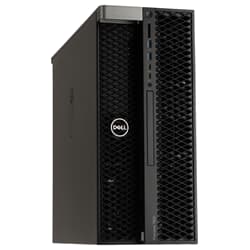
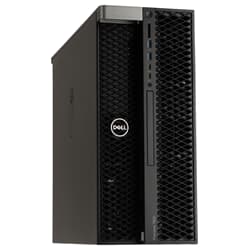
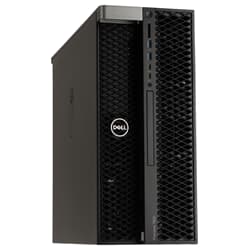
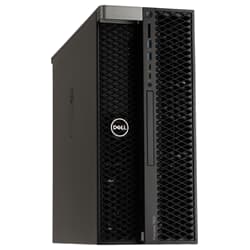
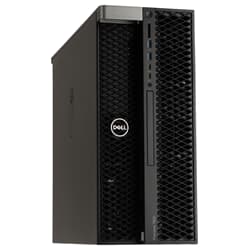
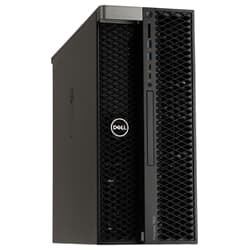
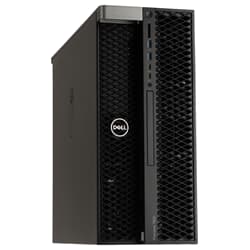
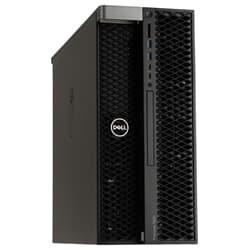
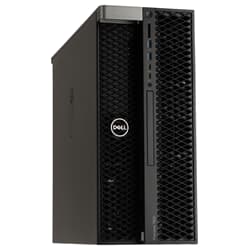
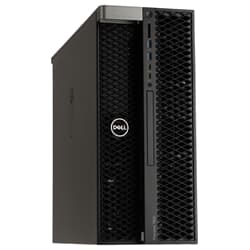
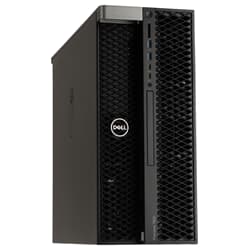
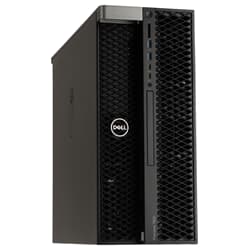
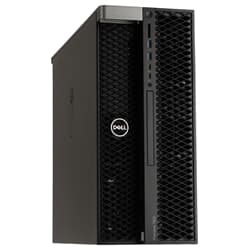
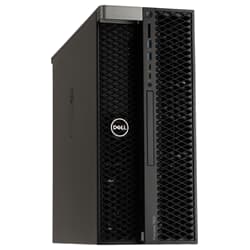
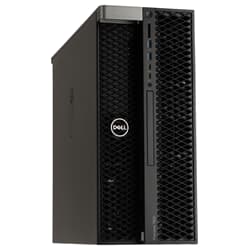
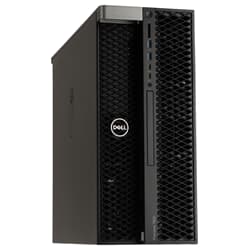
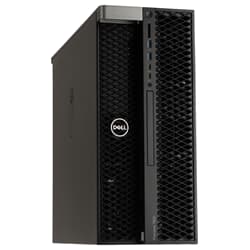
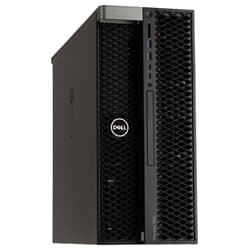
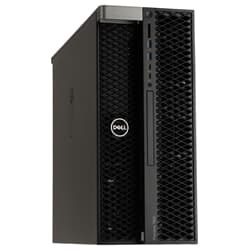
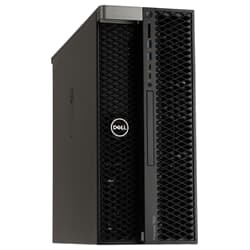
Buy a Refurbished Dell Precision 7820 Workstation
For rendering farms, FEM simulations, or data-intensive analysis, a single-socket system often isn't enough anymore. The Dell Precision 7820 was built exactly for tasks like these: with room for two Xeon Scalable processors, extensive ECC memory, and multiple high-performance graphics cards. At GEKKO Computer, you get this dual-socket powerhouse refurbished, function-tested, and ready to ship immediately, so you can get to work without a long wait.
What Sets the Dell Precision 7820 Apart from Single-Socket Systems
The manufacturer is officially registered as Dell Inc., which is why you'll occasionally find the system listed as the Dell Inc. Precision 7820 Tower. In practice, though, the simpler name has become the standard. As a Dell Precision 7820 Tower Workstation, the chassis offers enough room for a second CPU module along with additional cooling, clearly setting it apart from more compact single-socket systems such as the Precision 5820. While a single processor carries the entire load there, the Dell Precision 7820 splits the computing work across two physical CPUs, each with its own memory controller, delivering noticeably higher throughput for parallelizable workloads such as rendering or simulation.
Processor, Memory, and Graphics of the Dell Precision 7820 in Detail
The Dell Precision 7820 supports one or two first- or second-generation Intel Xeon Scalable processors with up to 28 cores per CPU, so even heavily multithreaded applications such as rendering engines or FEM solvers have plenty of cores to work with. If your workload instead consists of many individual, less parallelized tasks, you'll often benefit more from fewer cores at a higher clock speed than from the maximum core count, so your processor choice should be guided by your actual workflow. In our Processors section, for example, you'll find suitable Xeon Gold models you can upgrade to as needed. For memory, twelve DIMM slots are available, holding up to 384 gigabytes of Registered ECC RAM depending on module type, or even up to 768 gigabytes with LRDIMM modules, which you can conveniently expand as needed from our Server RAM range. For graphics, up to two professional graphics cards from the NVIDIA Quadro RTX and P series or the AMD Radeon Pro line are available, certified for CAD, 3D, and VR applications and therefore noticeably more reliable than plain consumer graphics cards.
Storage, Expansion, and Connectivity
For project data, the Dell Precision 7820 offers several M.2 NVMe PCIe SSD slots as well as additional 2.5-inch and 3.5-inch bays for SATA and SAS drives, allowing you to keep system and project drives cleanly separated. An optional Dell Ultra-Speed Drive Quad card also lets you connect up to four additional NVMe SSDs, giving a noticeable boost in transfer rate for very large project files. The convenient FlexBays allow tool-free swapping of individual drives without having to open the entire chassis. If you need additional capacity for large project archives or backups, you'll find suitable expansions in our Storage section. On the back, you'll find four USB 3.1 ports, an RJ-45 network port, and classic PS/2 ports, among others. These are complemented at the front by USB-C and an SD card reader for fast data transfer.
Certified for Demanding Industries: Where the Dell Precision 7820 Excels
The Dell Precision 7820 is ISV-certified and suitable for numerous professional applications such as Autodesk AutoCAD and Revit, SolidWorks, PTC Creo, Siemens NX, or Ansys, as well as Adobe Premiere Pro and AVID for professional video editing, meaning drivers and software are precisely matched to one another. Crashes under full load are therefore rarer. In practice, this mainly benefits engineering firms with complex FEM and CFD calculations, architecture firms with extensive BIM models, and media companies that depend on stable performance for video editing and 3D animation. Research institutions running data-intensive machine learning projects also frequently rely on the combination of CPU cores, memory, and graphics performance that a Dell Precision 7820 provides. Especially for projects running over several weeks or months, the cooling system, designed for continuous operation, pays off, since performance stays stable even under constant full load instead of throttling after a short time.
Is It Worth Buying a Used Dell Precision 7820?
Buying a refurbished Dell Precision 7820 pays off in two ways. You get the same dual-socket platform, originally designed for continuous professional use, at a fraction of the original list price. On top of that, the money you save on the purchase often means the investment pays for itself within a short time. At GEKKO, every device goes through a functional inspection before sale, during which components are thoroughly tested and replaced where needed, so you receive a ready-to-use system with no hidden defects. Even though the Dell Precision 7820 Tower is used, the system offers the same technical foundation as a new device, just at a significantly reduced price. Choosing used enterprise hardware is also a sustainable choice, since opting for green IT helps extend the lifecycle of high-quality components and noticeably reduces the demand for newly manufactured hardware.
Ordering, Configuration, and Support for Your Dell Precision 7820
Every system we ship is fully tested, pre-installed, and activated, so you can start working productively right after unboxing. If you need a specific processor, RAM, or graphics card combination, we're happy to advise you so that you end up buying exactly the Dell Precision 7820 that fits your project and your budget. If you're still unsure about the right configuration, our support team is available at any time for individual advice. And if you're planning to buy a Dell Precision 7820 workstation and also need additional network connectivity, you'll find suitable expansions in our Network category.
Frequently Asked Questions
How many processors does the Dell Precision 7820 Workstation support?
The workstation supports one or two first- or second-generation Intel Xeon Scalable processors with up to 28 cores each, allowing you to double the computing power later on if needed.
How much memory can be installed at maximum?
The twelve DIMM slots support up to 384 gigabytes of Registered ECC RAM; with LRDIMM modules, capacity can even be expanded to up to 768 gigabytes.
Which graphics cards are compatible?
Up to two professional graphics cards are supported, for example up to 2x NVIDIA Quadro RTX 8000 or AMD Radeon Pro models, in both single-slot and dual-slot form factors.
What distinguishes the 7820 from the Precision 5820?
The key difference lies in the motherboard: this model offers two CPU sockets, while the Precision 5820 is designed as a single-socket system and therefore reaches somewhat lower maximum specifications for RAM and graphics cards.
Can additional storage drives be added?
Yes, the FlexBays allow tool-free installation of additional 2.5-inch and 3.5-inch drives, complemented by several M.2 NVMe slots for especially fast project storage.
What ports does the chassis have?
At the front, there are four USB 3.1 ports, a USB-C port, an SD card reader, and an audio jack. At the back, you'll find four more USB 3.1 ports, two USB 2.0 ports, two PS/2 ports, an RJ-45 network port, and additional audio input and output jacks.
Is the system suitable for CAD software such as SolidWorks or Revit?
Yes, the system is ISV-certified for numerous professional CAD and engineering applications, meaning drivers and software are optimally matched to one another, which improves stability under full load.
Is the system also suitable for use in a regular office instead of a server room?
Yes, while the Dell Precision Workstation 7820 is built for continuous load, it runs noticeably quieter than classic rack servers, since it was primarily designed for use directly at the workplace. Under very compute-intensive continuous loads with full CPU and GPU utilization, fan speed is still noticeably higher than at idle.