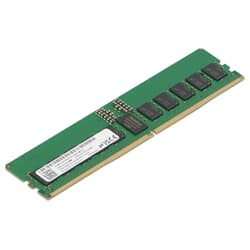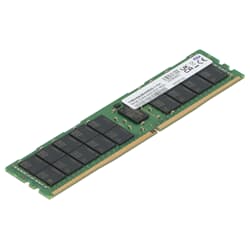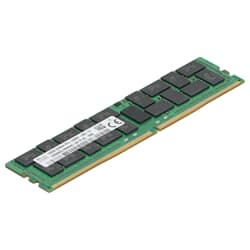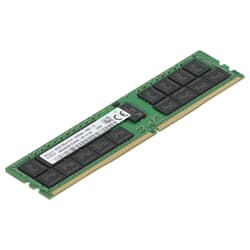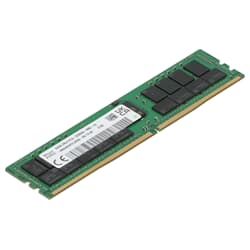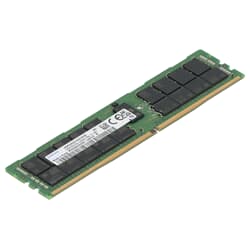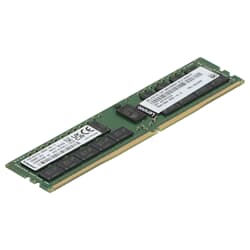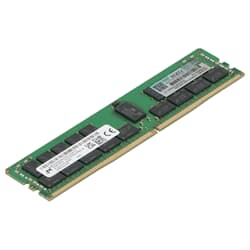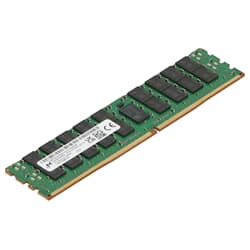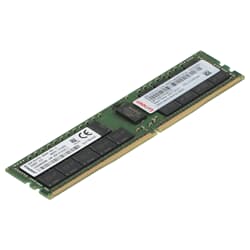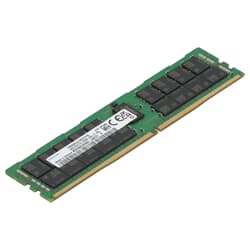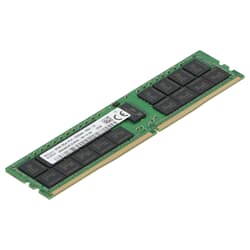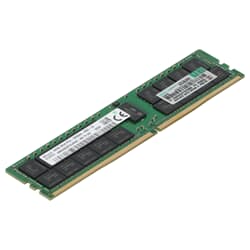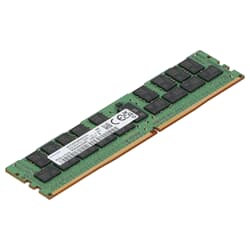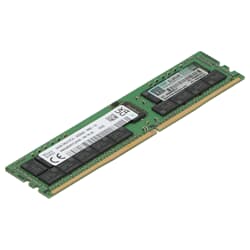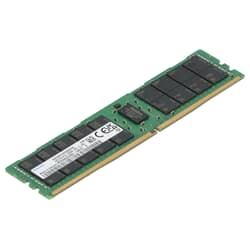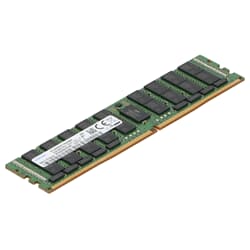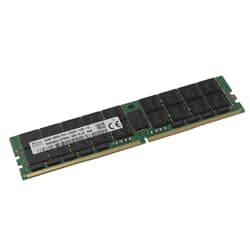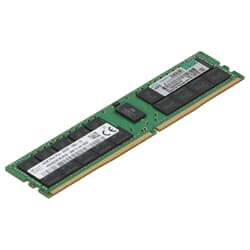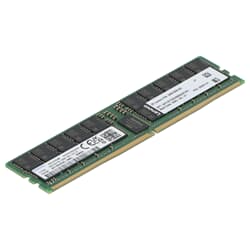
in stock
5
2,449.00 €
If you are planning an upgrade for your server or workstation, you have come to the right place. We offer an extensive selection of RAM modules that are suitable for a wide range of requirements. Whether you are looking for ECC, Registered, Unbuffered or Fully Buffered RAM - we have the right solution for you. Our modules cover all common clock rates and capacities and are optimally designed for use in demanding systems. Thanks to extensive testing, we ensure that all our memory solutions offer maximum reliability. What's more, all components are available for immediate delivery, so you can upgrade your devices with more server RAM without delay.
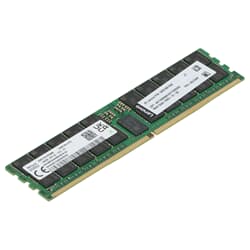


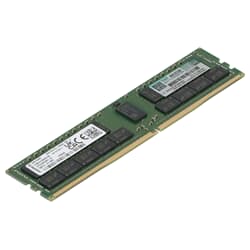
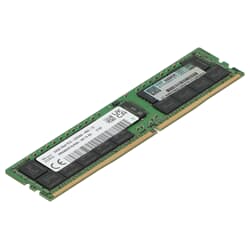
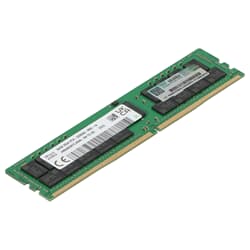
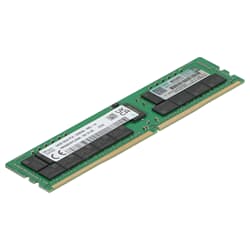
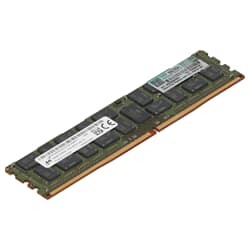
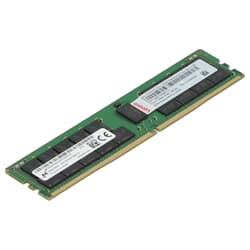
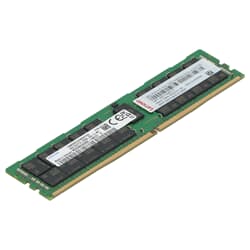
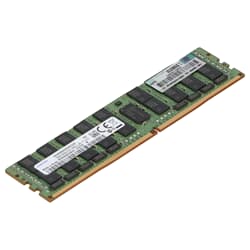
Random Access Memory (RAM) is your server's short-term memory. It holds data for fast access by the processors. While the desktop sector often focuses only on pure speed, server RAM focuses on three other factors: error tolerance, scalability, and 24/7 reliability. A single memory error in a server environment can lead to the crash of entire virtualized instances or the corruption of critical databases.
At GEKKO Computer, we offer a deeply tiered selection of used and certified memory modules from the DDR3, DDR4, and DDR5 generations. Whether for HPE ProLiant, Dell PowerEdge, or Lenovo ThinkSystem – we deliver the right RAM for your hardware.
Many customers ask us if they can install cheap gaming RAM in their server. Technically, the sticks are often mechanically identical, but the internal values differ massively:
To guarantee a stable system, you should observe the following rules when mixing RAM modules to achieve maximum performance:
Memory is one of the most durable components in IT because it has no moving parts. Used modules from GEKKO Computer offer you the security of original manufacturer goods from Samsung, SK Hynix, or Micron at a fraction of the new price. Each module undergoes intensive technical testing before shipping to ensure that you receive absolutely flawless goods.
If you are unsure which memory density or type is optimal for your specific server, our technicians will be happy to advise you personally.
Server RAM is designed for professional applications and offers features such as ECC (Error Correction Code), Registered/Buffered technology, and higher capacities. In contrast to conventional desktop RAM, it is designed for stability, data security, and continuous operation.
ECC (Error-Correcting Code) RAM automatically detects and corrects single-bit errors in memory. This function is particularly important in servers as it reduces system crashes and data corruption.
ECC Registered (RDIMM) RAM contains a register between the memory controller and the DRAM, which reduces the electrical load and allows for larger RAM capacities. ECC Unbuffered (UDIMM) is mostly used in workstations or entry-level servers.
The required RAM type depends on the server's motherboard and processor. Manufacturer documentation, CPU specifications, or tools like CPU-Z and DMI decoders help with compatibility checks.
Generally no. Server RAM such as RDIMM or LRDIMM is not compatible with consumer motherboards. Some workstations support ECC UDIMM, but this depends on the model.
LRDIMM (Load-Reduced DIMM) reduces the electrical load on the memory bus even more than RDIMM. This allows for particularly high RAM capacities, as needed in databases and virtualization servers.
This depends on the intended use. For web servers, 16–32 GB is often sufficient. For databases, virtualization, or AI applications, 128 GB or more may be required.
Rank refers to the number of independent memory groups on a RAM module. The higher the rank (e.g., Dual or Quad Rank), the more capacity – but also more restrictions on the maximum population per slot.
Yes. GEKKO Computer offers tested and cleaned server RAM with a warranty at particularly attractive prices – ideal for upgrades or cost-efficient server solutions.
Incompatible RAM usually causes the server not to start or to run unstably. Mixing RDIMM and LRDIMM or different speeds can also lead to problems.