in stock
2
from
2,068.88 €
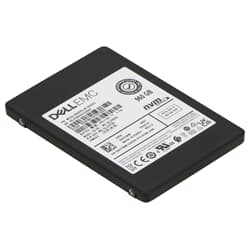
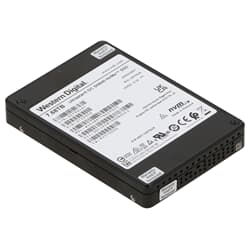
At GEKKO, you will find professionally refurbished PCIe SSDs from leading manufacturers such as Dell, HPE, Lenovo, Samsung, and Cisco – available immediately from our Berlin warehouse at a fraction of the original price. Whether as a replacement for existing systems or as a targeted upgrade: our enterprise NVMe drives are comprehensively tested and ready for immediate use.
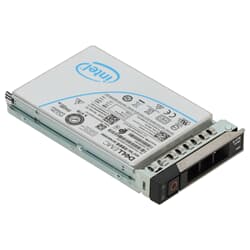
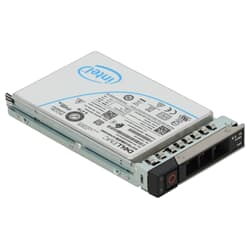
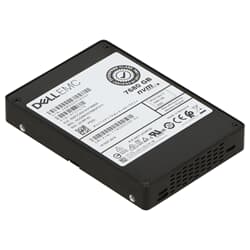
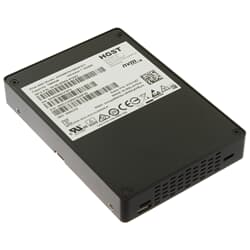
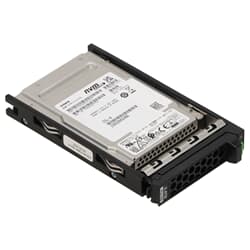
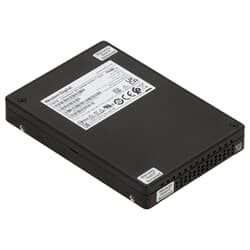
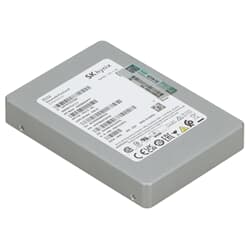
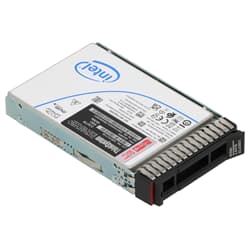
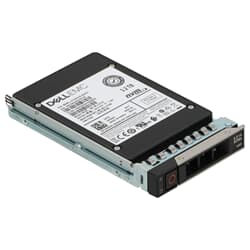
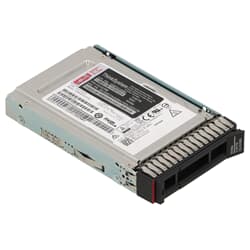
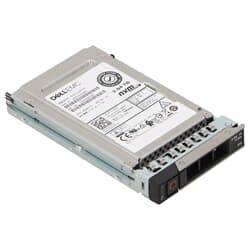
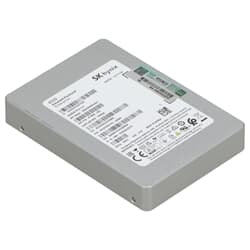
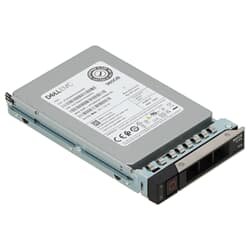
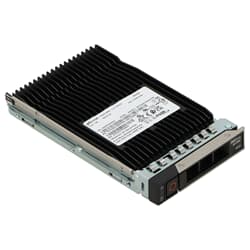
A PCIe SSD is a solid-state drive that communicates directly with the processor via the PCIe bus, instead of taking a detour through a slower storage controller. In combination with the NVMe protocol, which was specifically developed for this direct communication, PCIe SSDs achieve significantly higher transfer rates and shorter latency times than classic SATA drives.
The difference in practice is substantial: while SATA SSDs are limited by the maximum bandwidth of the SATA standard, a PCIe hard drive (or more accurately, SSD) can exceed this limit many times over. For professional workloads such as databases, virtualization, or compute-intensive simulations, this is not a theoretical advantage, but a measurable difference in daily operations.
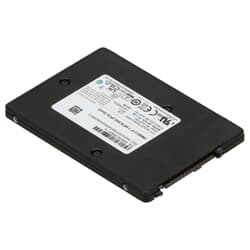
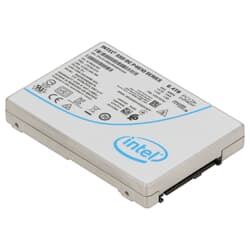
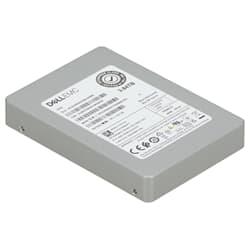
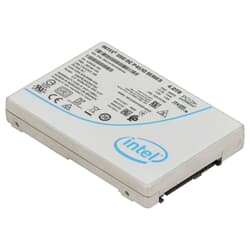
In the GEKKO range, you will find PCIe SSDs in capacities from 800 GB to 7.68 TB – from the compact 1TB PCIe SSD and the versatile 2TB PCIe SSD to large-volume drives with around 3.84TB, which are suitable for data-intensive server environments.
Both generations are represented in our assortment and have their place. A PCIe 3.0 SSD remains a solid choice for existing server infrastructures based on this generation and offers excellent performance at more favorable conditions for typical enterprise workloads. A PCIe 4.0 NVMe SSD doubles the available bandwidth per lane compared to the previous generation and is the right choice if the system supports this generation and maximum I/O performance is required. Models such as the Dell PM1735, the Micron 7450 PRO, or the HPE 1733 series reliably cover this need. An important practical note: PCIe 4.0 drives are backward compatible with PCIe 3.0 slots. A PCIe 4.0 SSD can be operated in a PCIe 3.0 slot without any problems, but will then work with the lower bandwidth of the older generation. This makes starting with newer drives sensible even if a system change is planned in the future.
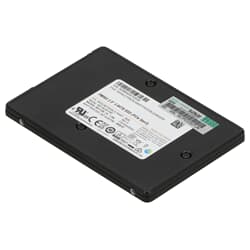
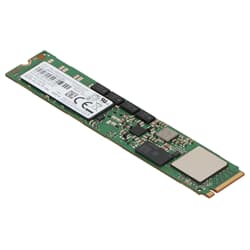
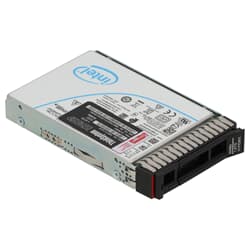
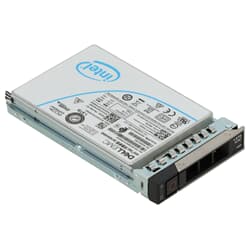
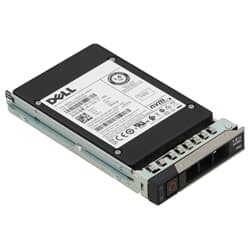
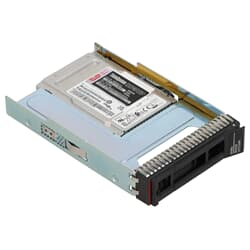
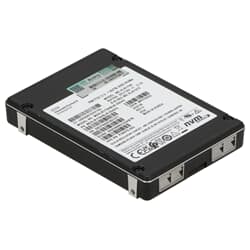
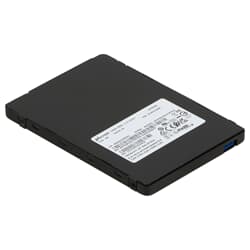
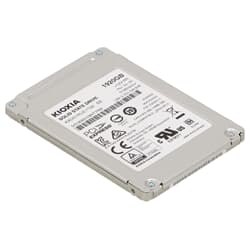
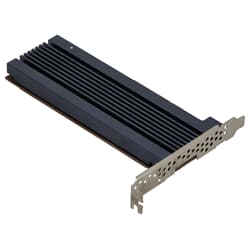
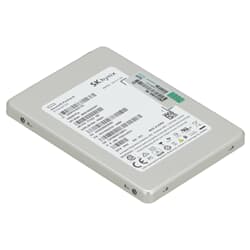
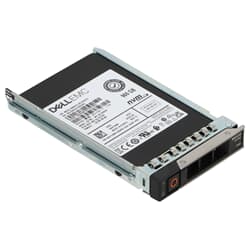
PCIe SSDs come in various physical designs, each designed for different system environments. In the enterprise sector, U.2 and U.3 dominate as form factors for 2.5-inch drives used in server backplanes and are hot-swappable. They offer the same familiar handling as classic 2.5-inch hard drives but deliver full NVMe performance via the PCIe bus. M.2 drives, on the other hand, are more compact and are installed directly on the motherboard or via an adapter, typical for workstations and as internal system drives. In the GEKKO range, you will find M.2 models from manufacturers including HP, Samsung, and WD in capacities of 1TB and 2TB. Furthermore, individual models are available as HHHL AIC (Half Height Half Length Add-In Card), i.e., as a PCIe plug-in card that is inserted directly into a free PCIe slot – a common solution if U.2 backplanes are not available.
All PCIe SSDs in the GEKKO range come from professional corporate environments and undergo extensive testing before being sold. In addition to functional checks, health status and remaining write capacity are verified, ensuring you receive a technically validated drive. Enterprise drives are designed for significantly higher load profiles than consumer hardware, so their actual lifespan in typical workstation or server environments often far exceeds what the TBW value on paper suggests. Buying a used PCIe SSD also benefits the environment: every reused drive conserves resources and reduces electronic waste. At GEKKO, we operate our locations entirely with green electricity – sustainability is a lived reality for us.
You can also find suitable servers, workstations, and additional storage accessories in our shop. For questions regarding compatibility or configuration, our team is available at any time via the contact form.
A PCIe SSD is a solid-state drive that communicates directly with the processor via the PCIe interface. In combination with the NVMe protocol, a PCIe SSD achieves significantly higher read and write rates than SATA-based drives, as the PCIe bus provides a much larger bandwidth.
For professional and compute-intensive applications, a PCIe SSD has a clear advantage. It offers significantly higher transfer rates and lower latency times. SATA SSDs are limited by the maximum bandwidth of their bus, while PCIe exceeds this limit many times over. For servers and workstations with high I/O requirements, a PCIe SSD is therefore the more powerful choice.
A PCIe slot is an expansion slot on a motherboard used to connect components such as graphics cards, network cards, or add-in card SSDs directly to the processor. PCIe slots come in different widths, such as x1, x4, x8, or x16, which differ in the number of available data lanes and thus in the maximum bandwidth.
PCIe 4.0 is the fourth generation of the PCIe standard and doubles the bandwidth per lane compared to PCIe 3.0. A PCIe 4.0 NVMe SSD benefits from this with significantly higher transfer rates. Numerous PCIe 4.0 drives from Dell, HPE, Lenovo, and Micron are available in the GEKKO range.
PCIe 5.0 is the fifth generation of the standard and again doubles the bandwidth compared to PCIe 4.0. In the professional enterprise segment, PCIe 5.0 is currently not yet widely used. The GEKKO range currently features drives from the PCIe 3.0 and PCIe 4.0 generations.
Yes, PCIe is backward compatible. A PCIe 4.0 SSD works in a PCIe 3.0 slot, but will then operate with the bandwidth of PCIe 3.0. The full performance of the newer generation is only realized in a compatible PCIe 4.0 system.