
Dell Precision Workstation – Maximum Performance for Professional Applications
Dell Precision Workstation offer a powerful and reliable solution for demanding work environments. Whether in the creative industry, engineering, or data-intensive applications – these systems provide the computing power and flexibility needed to handle even complex tasks efficiently. Thanks to robust hardware, high expandability, and innovative technologies, Dell Precision systems are perfectly suited for professional use.
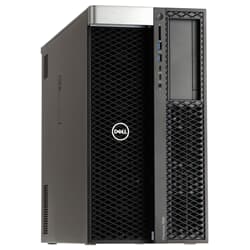
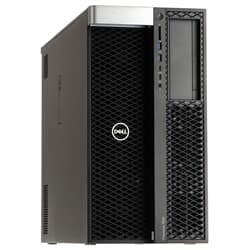
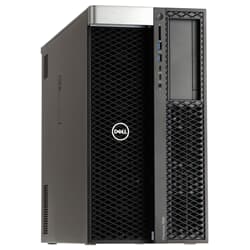
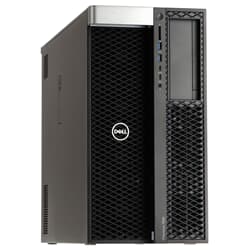
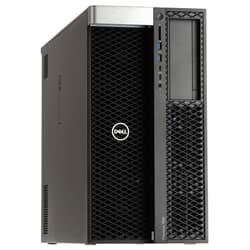
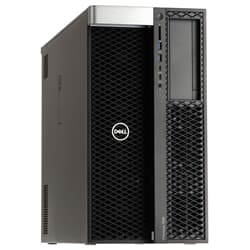
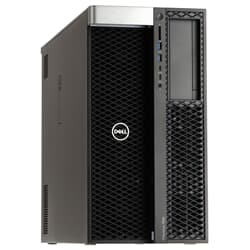
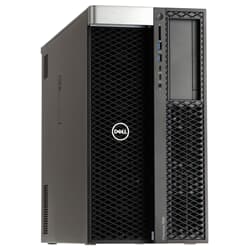
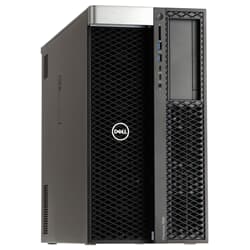
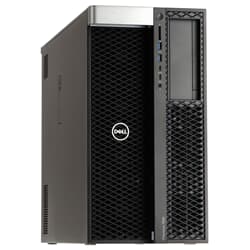
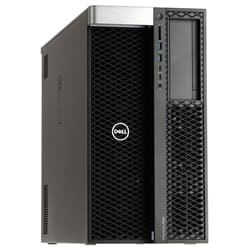
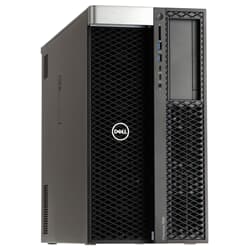
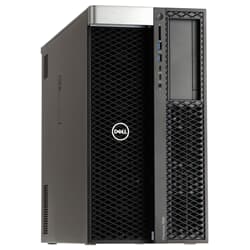
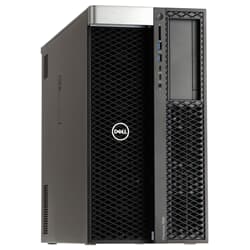
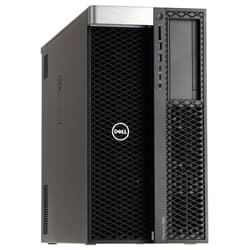
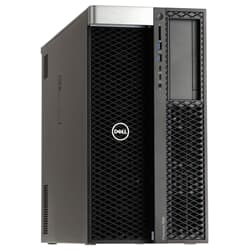
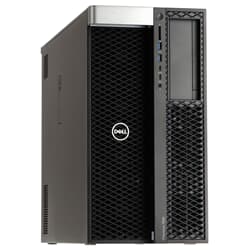
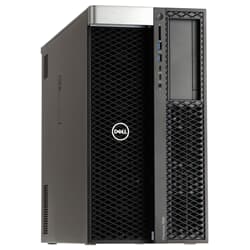
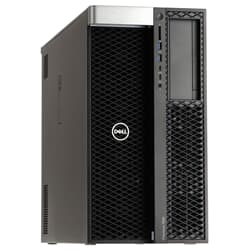
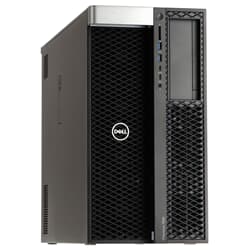
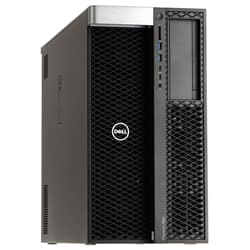
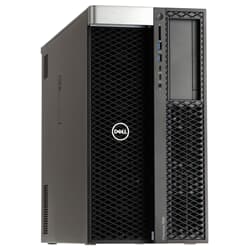
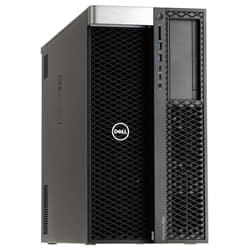
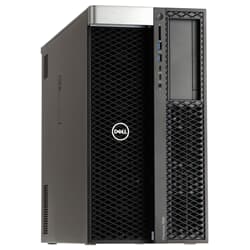
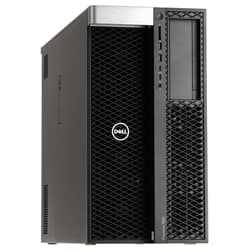
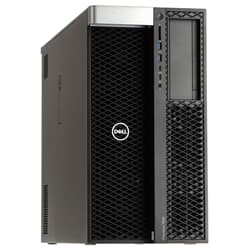
Buy a Refurbished Dell Precision Workstation – Overhauled Precision
When design, simulation, or data analysis push a regular office PC to its limits, you need more headroom, more stability, and more expandability. That's exactly what the Dell Precision Workstation was built for. At GEKKO Computer, you get these systems refurbished, function-tested, and shipped directly from stock, so professional computing power is available without the wait time or the price tag of a new device.
What a Dell Precision Workstation Delivers in Daily Use
A Dell Precision Workstation differs from a classic desktop PC mainly in its design for continuous operation. Rather than being built for short load spikes, it's designed for workdays where rendering, simulation, or large assemblies demand full CPU and GPU performance for hours at a time. This is made possible by server-grade components such as ECC memory, well thought-out cooling concepts, and a chassis design built for serviceability rather than looks. Every device in our range goes through a functional inspection before sale, during which all components are tested and replaced where necessary. For businesses, this above all means predictable performance, even on long workdays with several projects running in parallel.
Dell Precision Workstation Series Compared: Solid Entry Level to Dual-CPU Configuration
Dell's Precision line is divided into several performance classes, each clearly geared toward different use cases. The 3000 series forms the entry point and is suitable for 2D design as well as moderately graphics-intensive tasks, without compromising on basic stability. If you need more performance headroom, the 5000 series offers a Dell Precision Tower Workstation with expandable memory and a professional graphics card, suitable for 3D modeling and demanding simulations.
The 7000 series, finally, is aimed at compute-intensive workflows with two processors, extensive ECC memory, and multiple expansion slots, of the kind needed in rendering farms or for complex FEM calculations.
If you have less desk space available, more compact models also offer a capable desktop workstation with comparable depth of features. This makes it possible to find the right setup for nearly any budget and use case, without compromising on core performance.
The Specs That Really Matter in a Dell Precision Workstation
When choosing a Dell Precision Workstation, three components matter most. The processor determines raw performance for calculations and simulations, and the Intel Xeon models in our Processors range clock stably even under continuous load, suiting both multi-core applications and tasks with high single-core demands. Memory, ideally in ECC form, automatically detects and corrects memory errors, reliably protecting long calculation runs from data loss. And the graphics card, usually from the professional Quadro or Radeon Pro line, is certified for CAD and 3D applications and therefore delivers noticeably more reliable rendering than plain consumer graphics cards. Together, this results in a platform that not only computes fast but also renders results reliably and delivers reproducible results for years to come.
Expandability as a Long-Term Cost Advantage
A key advantage of the Dell Precision Workstation lies in its modular design. Unlike many compact consumer systems, memory, graphics card, and drives can be easily upgraded as needed without having to replace the entire device. If you need additional storage capacity for project data, you'll find suitable solutions in our Storage category. These are suitable, for example, for teams who jointly access large datasets and need to run regular backups. If the workstation is also connected to a network with high data traffic, it's also worth looking at various network components to avoid data transfer bottlenecks from the outset. This flexibility keeps a Dell Precision Workstation adaptable to growing requirements for years, rather than hitting its limits after a short time and affecting your daily work.
Why a Refurbished Dell Precision Really Pays Off
Sourcing a refurbished Dell Precision Workstation is, first and foremost, an economic decision. It contains the same tested hardware originally designed for professional enterprise use, at a fraction of the original list price. Buying a used Dell workstation also means benefiting from the fact that the enterprise-grade hardware installed is typically built for a significantly longer service life than comparable consumer technology. It's also a sustainable choice, since every device that's kept in use extends the lifecycle of high-quality hardware and reduces the demand for newly manufactured components. This way, you benefit from cost savings and a contribution to resource conservation at the same time, without having to compromise on performance or reliability.
Ideal Use Cases for the Dell Precision Workstation
In practice, the value of a Dell Precision Desktop Workstation shows above all where projects demand constant computing power over hours or days. Design offices use it for CAD models and assemblies, architecture firms for BIM workflows with extensive planning data, and in media production it delivers stable performance for rendering and video editing. For smaller teams or individual departments, we also offer suitable entry-level configurations as well as powerful systems for entire project teams. Development teams with demanding build processes and research institutions with data-intensive analyses also benefit from the combination of computing power and reliability that a Dell Precision Workstation PC brings. If you're unsure which series fits your workflow, we're happy to advise you and put together the right configuration based on your requirements, so you end up buying exactly the Dell Precision Workstation that suits your use case. If a different manufacturer better fits your requirements, we also offer a wide selection of HP Workstations or Lenovo ThinkStation models as an alternative.
Buy a Refurbished Dell Precision Workstation at GEKKO Computer
All models listed at GEKKO are in stock and can be ordered without long delivery times. Since the market for used enterprise hardware and interest in green IT are constantly evolving, it's still worth briefly checking current availability. This applies especially if you need a specific processor or memory configuration. If you have any questions about configuring your Dell Precision Workstation, the compatibility of individual components, or delivery times, our support team is available at any time to help you choose the right system.
Frequently Asked Questions
What sets a workstation apart from a regular office PC?
It is built for continuous operation, professional graphics performance, and ECC memory, while a regular office PC is usually designed for lighter everyday tasks. This keeps performance stable even during hours-long rendering or simulation runs.
Is a used Dell Precision Workstation worth it compared to a new device?
Yes, since the hardware was designed for a long service life and continuous load, and every device is functionally tested at GEKKO before sale. You get the same technical foundation at a significantly reduced price, without compromising on reliability.
Which series is suitable for CAD design?
For classic 2D and moderate 3D design, a model from the 3000 or 5000 series is often sufficient. For very large assemblies, complex simulations, or parallel rendering tasks, a model from the 7000 series with two processors and correspondingly more memory is recommended.
Do I get a warranty even though the Dell Precision is used?
Yes, every device offered at GEKKO is tested before shipping and comes with a warranty. This means you can rely on the functionality and reliability of the system even with refurbished hardware.
How much memory is needed for simulations?
This depends heavily on the software used and the size of the project. Smaller simulation projects often need just 32 to 64 gigabytes, while especially data-intensive calculations or large FEM models benefit from 128 gigabytes or more, particularly when combined with error-correcting memory.
What should I consider when choosing between the 3000, 5000, and 7000 series?
The main factors are project size, the graphics performance required, and whether one or two processors make sense. Smaller teams with manageable projects are usually well served by the 3000 or 5000 series, while compute-intensive departments running many parallel projects benefit from the 7000 series and its greater expandability.
Can I have my existing configuration upgraded at GEKKO?
Yes, we're happy to advise you on suitable upgrades for your Dell Precision Workstation, such as additional memory, a more powerful graphics card, or extra storage. Just get in touch, and together we'll find the solution that best fits your use case.