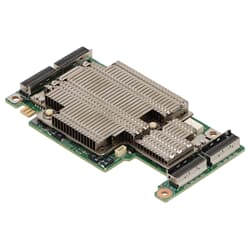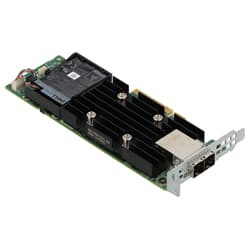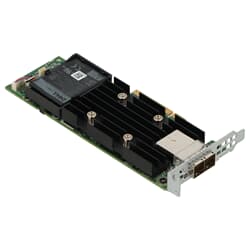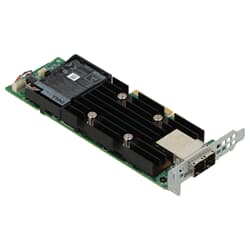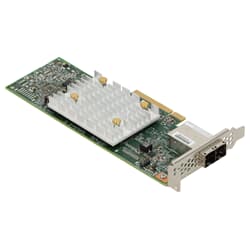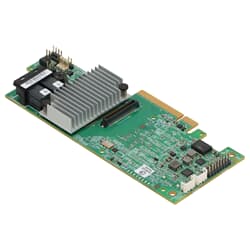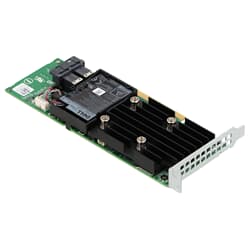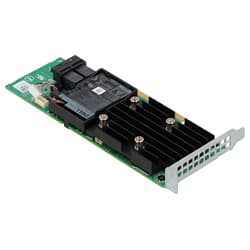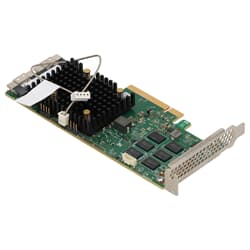
in stock
1
from
1,034.00 €
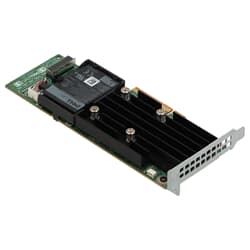
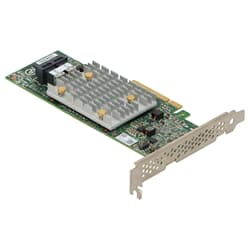
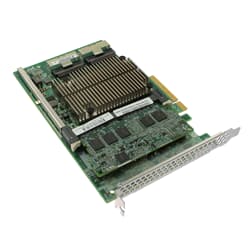
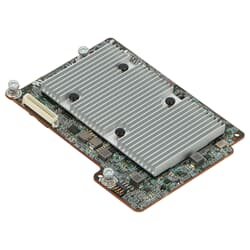
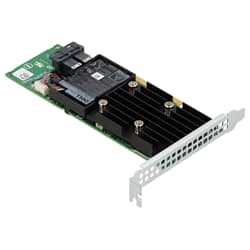
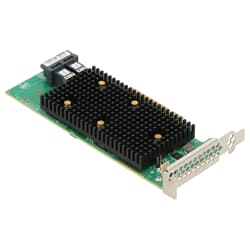
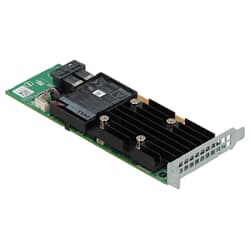
Whether in a data center, a tower server, or a high-performance workstation: A RAID controller is the central component that combines multiple drives into a logical unit, organizes redundancy, and measurably increases read and write speeds. At GEKKO Computer, you will find used and refurbished models from renowned manufacturers such as Broadcom (LSI), Adaptec, and Dell PERC – professionally tested, ready for immediate use, and at a significant fraction of the original price.
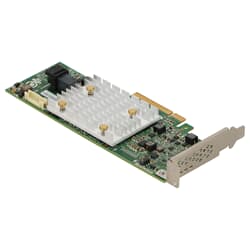
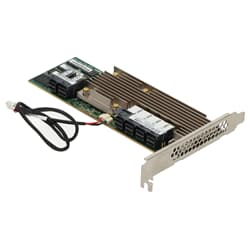
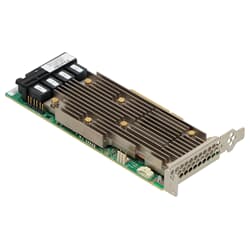
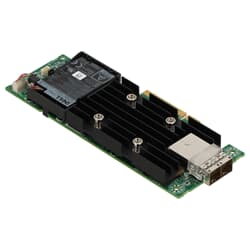
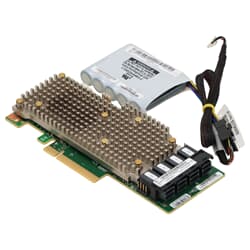
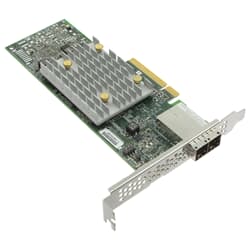
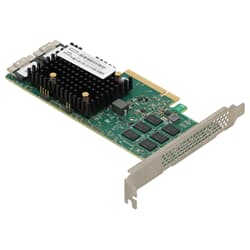
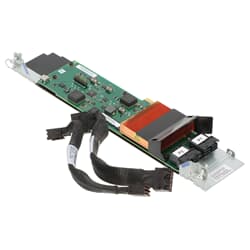
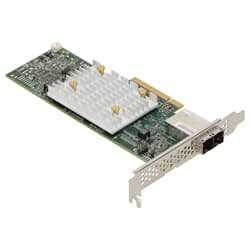
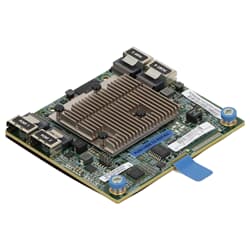
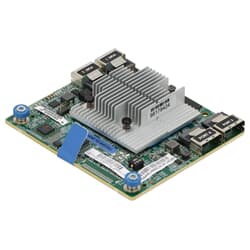
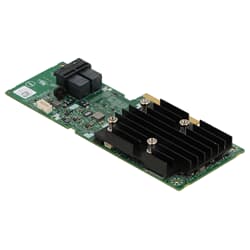
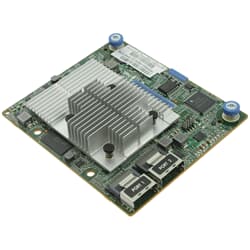
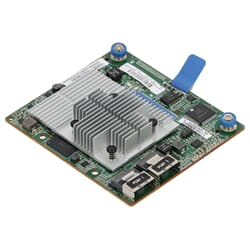
A RAID controller is a dedicated hardware component that fully handles the management of RAID arrays (Redundant Array of Independent Disks), independent of the host system's CPU. In contrast to software RAID, which consumes the host's processor power, a hardware RAID controller has its own processor and usually a dedicated cache memory. As a result, the card processes RAID-specific calculations, parity data, and I/O requests independently without burdening the main system.
The core task of a RAID controller is to present the connected physical drives to the operating system as a single logical volume. Depending on the chosen RAID level, the control unit handles data mirroring, distribution across multiple disks, or the calculation of parity information for error cases. This transparency to the operating system makes it particularly valuable in heterogeneous server environments where stability and fail-safety are non-negotiable.
The two essential promises of the RAID concept—namely increased security and speed—can be delivered much more reliably with a dedicated hardware solution than with pure software RAID.
Data Security: RAID levels such as RAID 1 (mirroring) or RAID 6 (double parity) ensure that the failure of one drive (RAID 1) or even two drives simultaneously (RAID 6) does not cause data loss. The control unit detects the defect in real-time, marks the failed medium, and automatically initiates the rebuild process if a hot-spare drive is available. This process runs transparently in the background without interrupting ongoing operations.
Speed: RAID 0 and RAID 5 distribute data in stripes across multiple drives. Models with Battery-Backed Write Cache (BBWC) or Flash-Backed Cache can buffer write operations and write them to the media in batches, which offers noticeable advantages particularly in I/O-intensive environments such as databases or virtualization platforms. Current variants also support NVMe drives, so even an NVMe RAID controller can keep up with the high throughput rates of modern flash storage.
Choosing the right interface is crucial for the compatibility and performance of the RAID controller. Four connection standards currently dominate the enterprise segment:
SAS (Serial Attached SCSI): A SAS controller, often referred to as a SAS card, is the classic choice for professional servers and storage systems. SAS offers higher reliability, bidirectional connections, and supports significantly longer cable runs than SATA. If you equip your server with enterprise hard drives or SAS SSDs, a RAID controller (SAS) is almost indispensable. Many models are backward compatible with SATA drives.
A SATA-based controller is ideal for entry-level scenarios and smaller systems using standard SATA drives. Compared to SAS, the maximum bandwidth per port is lower, but for many use cases, such as backup systems, archive storage, or file servers with moderate loads, this is perfectly sufficient. Especially for small businesses, this variant often represents the better price-performance ratio.
PCIe: A PCIe RAID controller is inserted directly into a PCIe slot on the motherboard and benefits from the high bandwidth of the PCI Express bus. In contrast, older PCI RAID controllers use outdated PCI slots that are physically incompatible with PCIe and are usually no longer present on modern motherboards. Therefore, only current PCIe models (e.g., Gen3 or Gen4) are recommended for modern environments to meet today's transmission rate requirements.
M.2 and NVMe: For compact systems or workstations where space in the chassis is limited, PCIe adapter cards for M.2 SSDs are an option. These special controllers are plugged into a regular PCIe slot, combine several M.2 NVMe drives directly on the card, and integrate them into the system with high performance. Another form of NVMe solution uses classic PCIe RAID controllers to operate several U.2 or U.3 SSDs via cable connections in an array – the optimal choice for enterprise environments with very high throughput requirements.
The RAID controller is usually designed as a PCIe expansion card and is installed in a free PCIe slot on the motherboard, typically an x8 or x16 slot. In a tower case, these slots are located on the left side of the motherboard, below the CPU socket area. In rack servers, such expansion cards are either mounted directly on the system board or connected via riser cards, depending on the chassis design. After installation, the drives are connected to the card via the designated ports, such as Mini-SAS HD (SFF-8643), OCuLink, or SATA. When purchasing, please note that SFF-8643 and SFF-8087 ports require different cables. If you would like to equip workstations alongside hardware expansions, you will also find a wide range at GEKKO.
Professional models from the enterprise sector are designed for continuous load and long service lives. A RAID card from the Dell PERC series, the Broadcom/LSI MegaRAID family, or from Adaptec SmartRAID retains its functionality for many years. Purchased used, they can be used to build productive storage arrays at a fraction of the price of new equipment – ideal for SMEs, labs, or expanding existing infrastructure. Refurbished enterprise hardware is also a sustainable choice: high-quality components stay in the cycle longer, resources are conserved, and IT budgets can be used more effectively. At GEKKO, every card undergoes a functional check before sale – defective units are sorted out and not resold. You receive a refurbished product that can be put directly into operation without having to invest time in pre-testing.
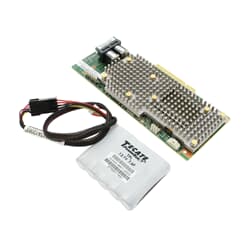
Important when purchasing: Pay attention to the cache module and backup unit (BBU or flash cache), as these may sometimes need to be purchased separately if they are not included in the scope of delivery. You can also find suitable additions in our range of storage controllers and HBAs.
A RAID controller is a hardware component that combines multiple drives into a logical volume, controlling redundancy, data security, and read/write speeds. It has its own processor and cache, handles RAID-specific calculations completely independently, and thus relieves the main CPU of the server or workstation.
It ensures data security through mirroring or parity calculation, so that the failure of individual drives does not cause data loss and the system automatically initiates the rebuild process. It increases speed by distributing data across multiple drives in stripes and through its own write cache, which buffers write operations and transfers them to the media in batches.
This model is designed for standard SATA drives and offers a cost-effective solution for smaller systems. SAS solutions provide higher reliability, longer cable runs, and bidirectional connections, making them better suited for enterprise environments. PCIe and NVMe-based versions achieve significantly higher transfer rates and are preferred for high-performance environments.
It sits as a PCIe expansion card in a free PCIe slot on the motherboard, usually an x8 or x16 slot. In tower systems, these slots are located below the CPU socket area on the left side of the motherboard. In rack servers, they are often connected to the system board via riser cards.
This depends on the manufacturer and model. For Dell PERC, the configuration menu is typically accessed during POST via Ctrl+R; for Broadcom or LSI MegaRAID, it is often Ctrl+H or Ctrl+R. The exact key combination is displayed on the screen during the boot process and is also documented in the manual of the respective model.
First, no further write access should be made to the affected drives to preserve the data state. It is then recommended to replace it with an identical model with the same firmware version, as many cards store proprietary metadata on the drives. With a suitable configuration, the replacement card can often automatically import the array. If this fails, bit-for-bit images of all drives should be secured, and then specialized data recovery software or a professional service provider should be consulted.